A thumbnail-first crop
Use a head-and-shoulders composition with enough space for LinkedIn's circular crop, keeping the eyes and expression easy to read.
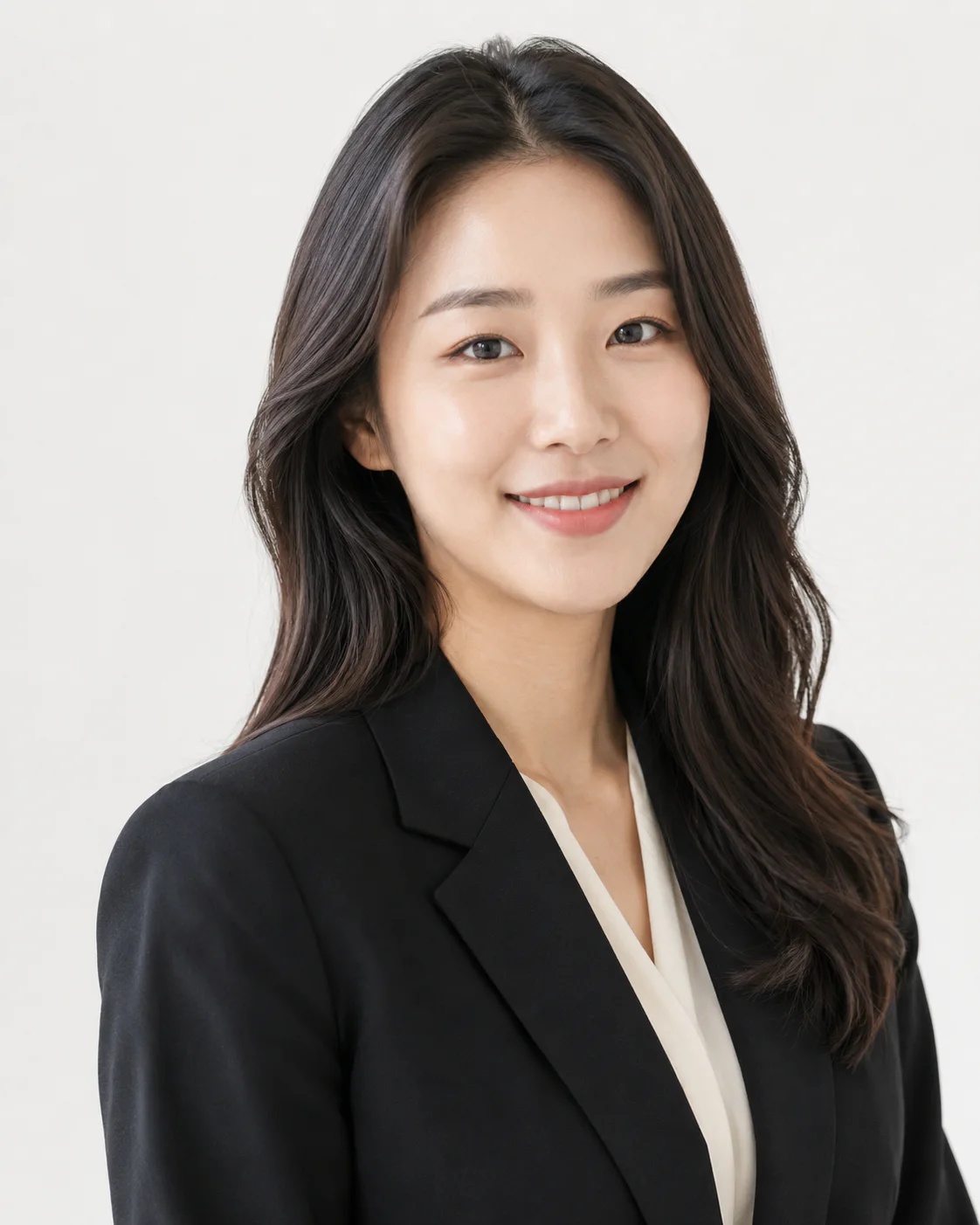 Created with SnapMood
Made for the moment
Job searches, promotions, and speaking profiles need a photo that looks current and professional.


A simple process
Compare the workflow
SnapMood
Use a head-and-shoulders composition with enough space for LinkedIn's circular crop, keeping the eyes and expression easy to read.
A tailored jacket can suit finance or consulting, while a polished knit or shirt may feel more natural for product, design, or engineering roles.
Simple office, studio, or softly architectural backgrounds support the portrait without inventing an employer, title, or workplace.
FAQ
No. Match the dress level to the roles you are pursuing. Clean, role-appropriate clothing is usually more useful than making every profession look corporate.
You can use it where profile photos are customary, but hiring norms vary by country and employer. Check local expectations before adding a photo to a resume.
Confirm that your face, hair, age, and usual presentation still look like you, and that the crop remains clear in LinkedIn's small profile display.
For the next version of your profile